

The Lesson Explorer
Every Montessori lesson. Right at your fingertips.
The Lesson Explorer is your searchable library of more than 3,000 Montessori lessons, all organized by level, subject, and topic. Everything is only a few clicks away.
No stacks of binders. No flipping through pages. No wondering where you saved that lesson.
Just open your Lesson Explorer and start teaching.
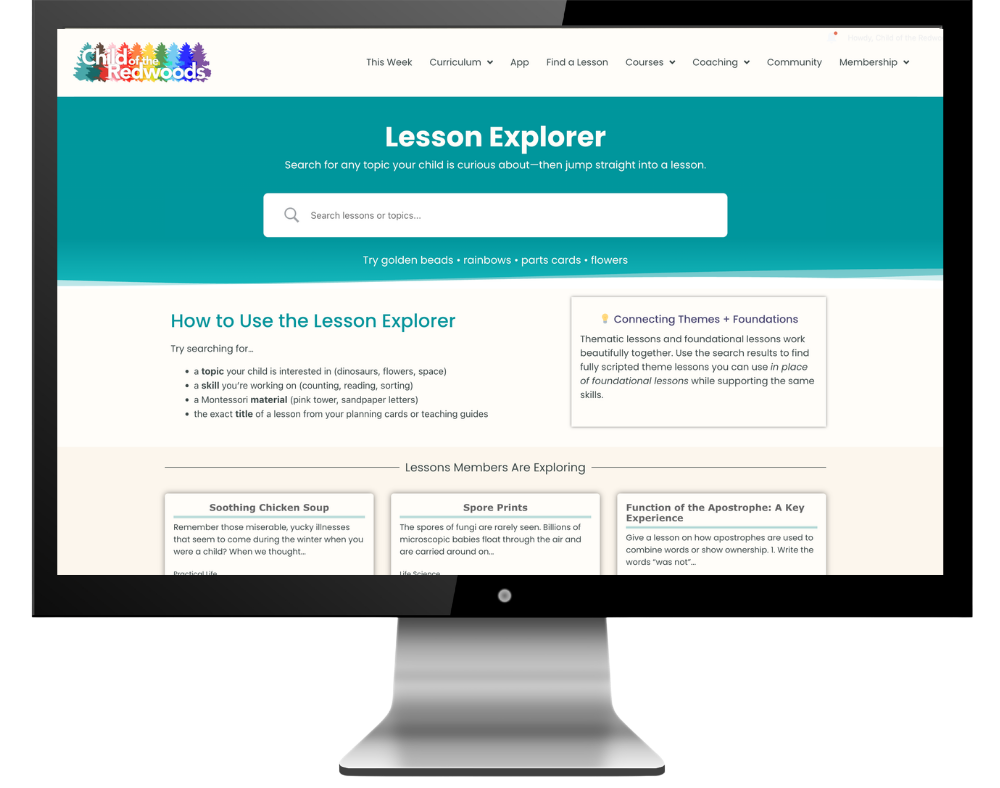
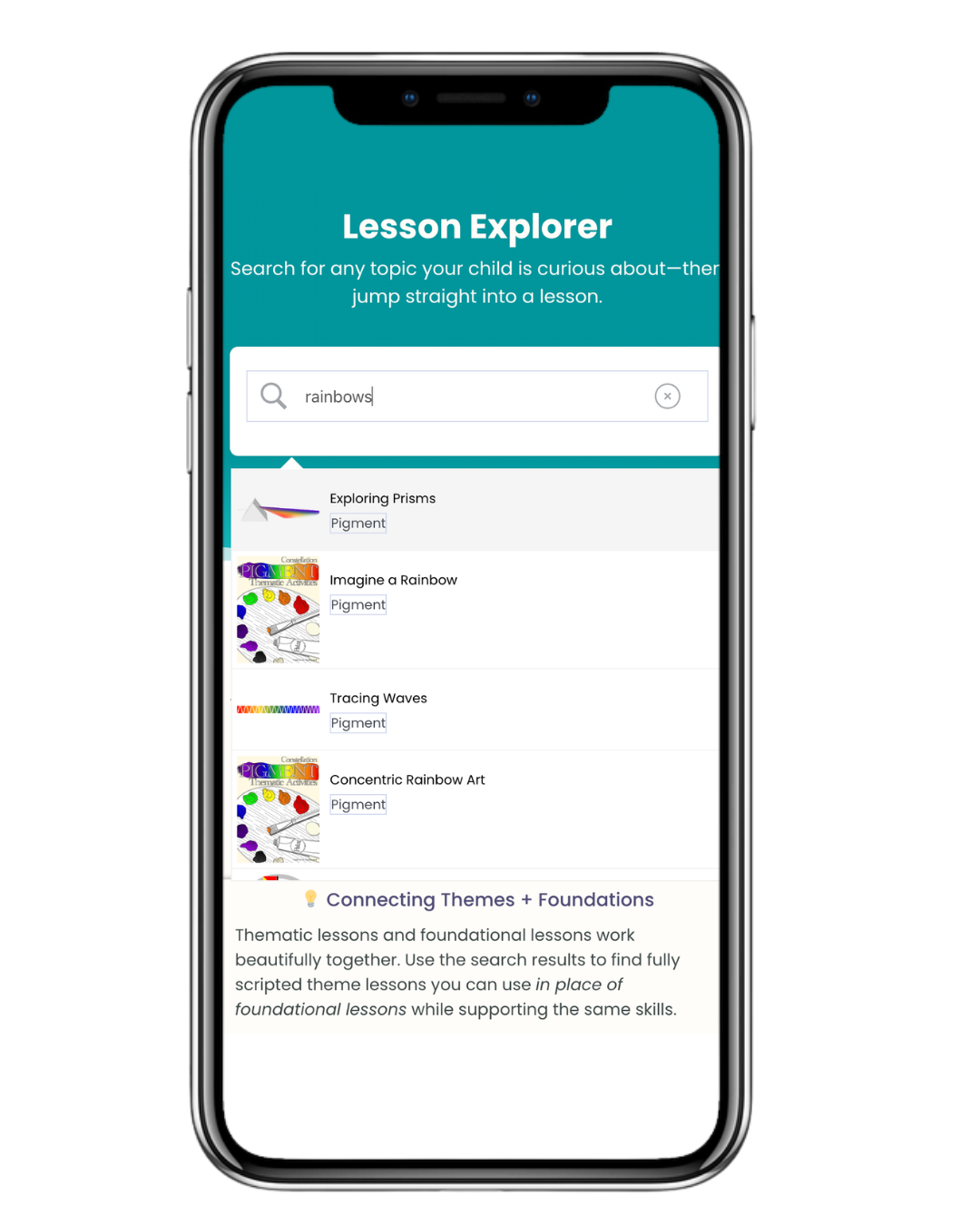
Search for your child’s interests. Open complete lesson presentations in seconds.
Homeschooling Is Hard Enough Without Hunting for Lessons
If you've ever spent twenty minutes looking for one lesson, you already know how quickly planning can steal the joy from homeschooling.
Oh, no…your toddler spilled applesauce all over your lesson plans.
Oops, your dog really did eat them.
Yikes, you left them in the diaper bag you forgot at Grandma's house.
Or maybe you're simply carrying so many details in your head that one more thing feels impossible to remember.
You shouldn't have to memorize an entire curriculum.
The Lesson Explorer takes that weight off your shoulders.
It takes one simple search.
Seconds later, the complete presentation is waiting for you.

The Lesson Explorer is much more than a curriculum index.
It's the place where your entire Child of the Redwoods curriculum comes together.
Inside you'll find:
More than 3,000 Montessori lessons
Every curriculum level in one searchable library
All ten Montessori subject areas
Complete lesson presentations
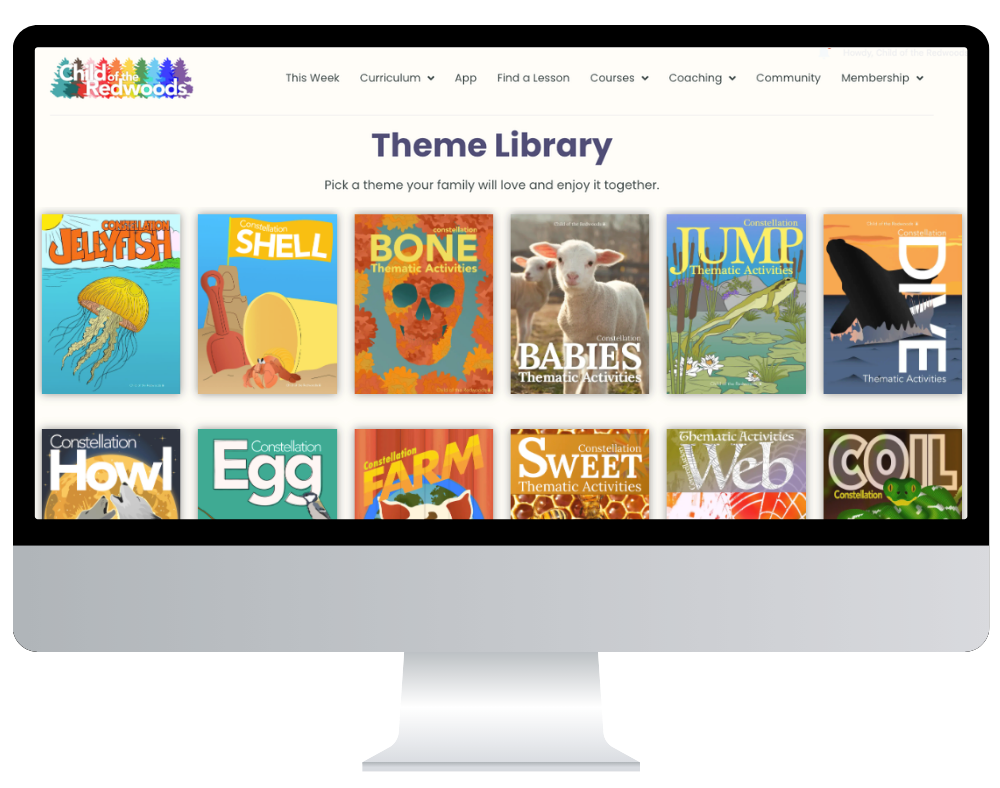
Foundational lessons and Theme Pack lessons together
Search by topic, lesson title, Montessori material, or keyword
Access from your computer, tablet, or phone
Everything You Need. Organized in One Place.
Six Ways Families Use The Lesson Explorer
We think that the Lesson Explorer is the searchable, Montessori lesson database you never knew you needed. But once you have it…you’ll realize you can’t do without it. There are about 3,000 lessons inside this technical marvel. But you won’t have to worry about the rest of those lessons. The job of the Lesson Explorer is to help you find the exact lesson you need at the perfect moment.
1. When you're wondering what to teach today
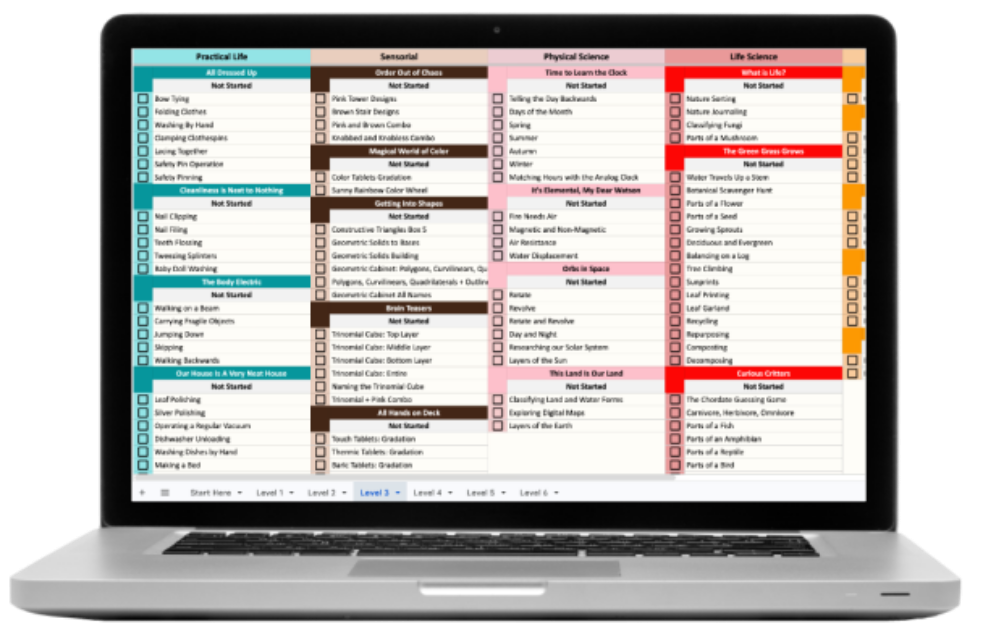
Choose today's lesson with your Montessori Planning Cards or the Scope and Sequence, then type the lesson title into the Lesson Explorer. The complete step-by-step presentation appears in seconds, ready when you are.
2. When you need inspiration
Browse the curriculum by level or subject to see what's available.
Sometimes simply seeing the possibilities is enough to spark your next great homeschool day.
3. When your child suddenly becomes fascinated by something
Your child meets a kitten.
Discovers a praying mantis.
Starts asking endless questions about volcanoes.
Instead of saying, "Maybe we'll learn about that someday," simply search the topic and discover lessons that build on your child's curiosity while staying true to Montessori principles.

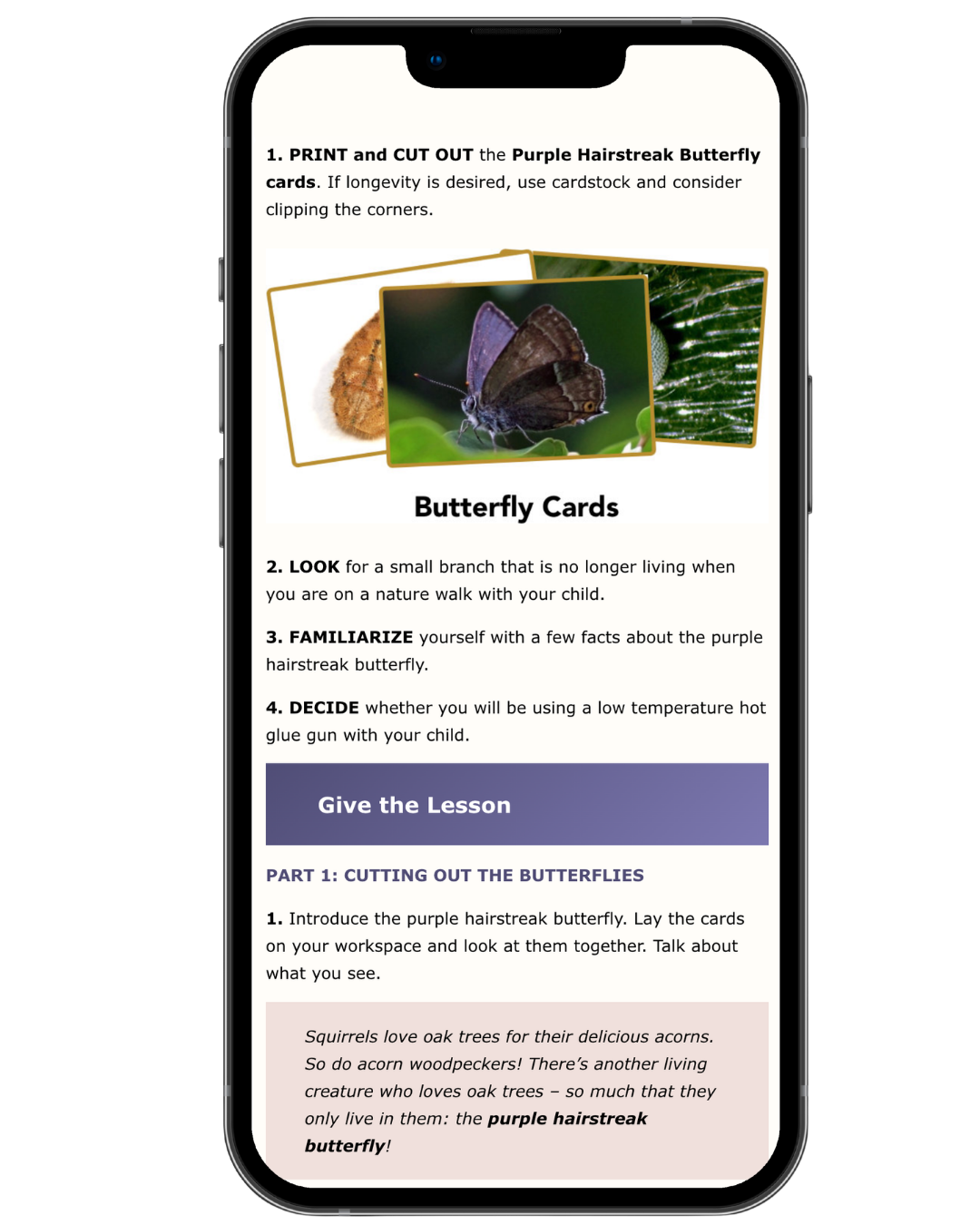
Discovering a butterfly. Photo shared by a Child of the Redwoods family.
4. When you’re away from home
You might be at the park, visiting grandparents, or traveling across the country. Either way, your curriculum comes with you!
No hauling heavy binders.
No worrying about leaving something behind.
Just open the Lesson Explorer and keep learning.
5. When your child wants more independence
Elementary children love exploring alongside their parents.
Browsing lessons together helps your child take ownership of learning while giving you confidence that every lesson fits within a thoughtful progression.
6. When you’re carrying the mental load
Homeschooling asks parents to remember a lot.
The Lesson Explorer remembers it for you.
Knowing every lesson is organized and searchable frees up your mental energy for the moments that matter most.
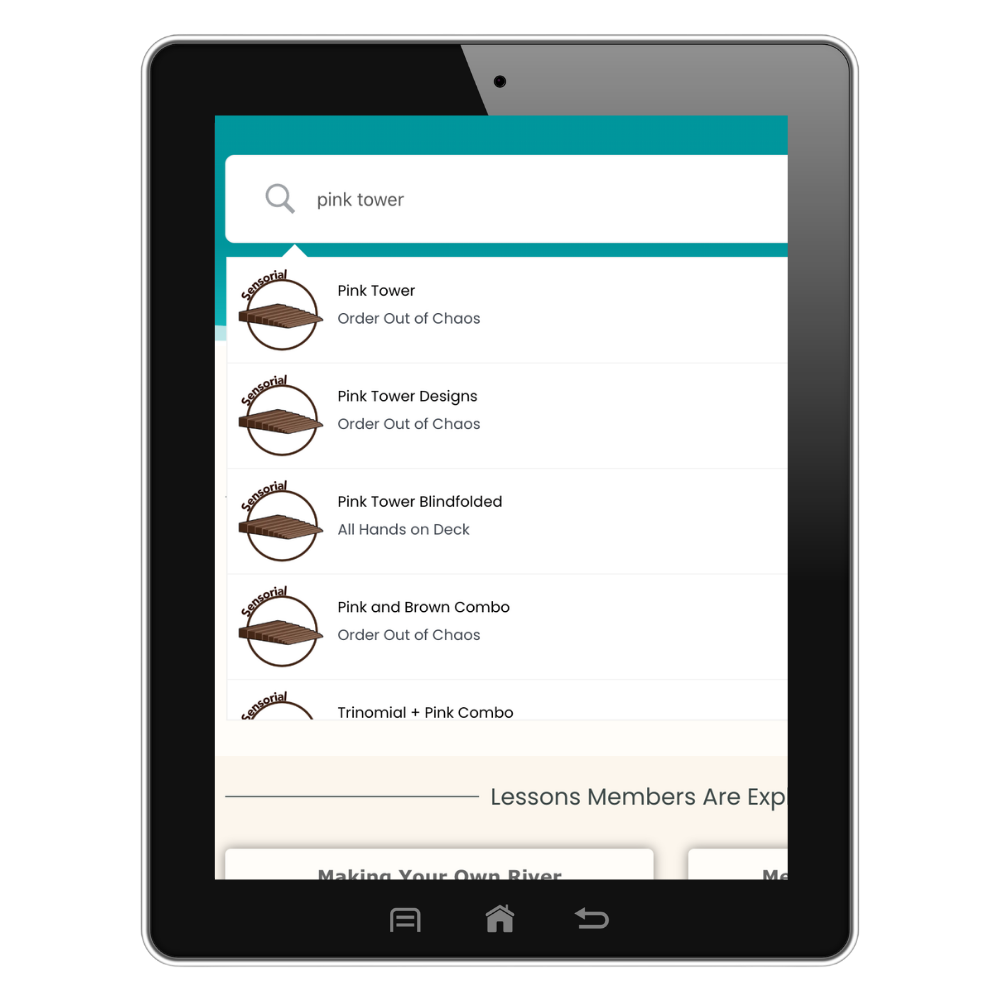
Search Almost Anything
Looking for a specific lesson?
Try searching for:
Pink Tower
Sandpaper Letters
Dinosaurs
Flowers
Fractions
Continents
Pets
Volcanoes
Search by Montessori material.
Search by topic.
Search by lesson title.
Search by keyword.
However your brain remembers it, the Lesson Explorer helps you find it.
Works Together With the Rest of Your Membership
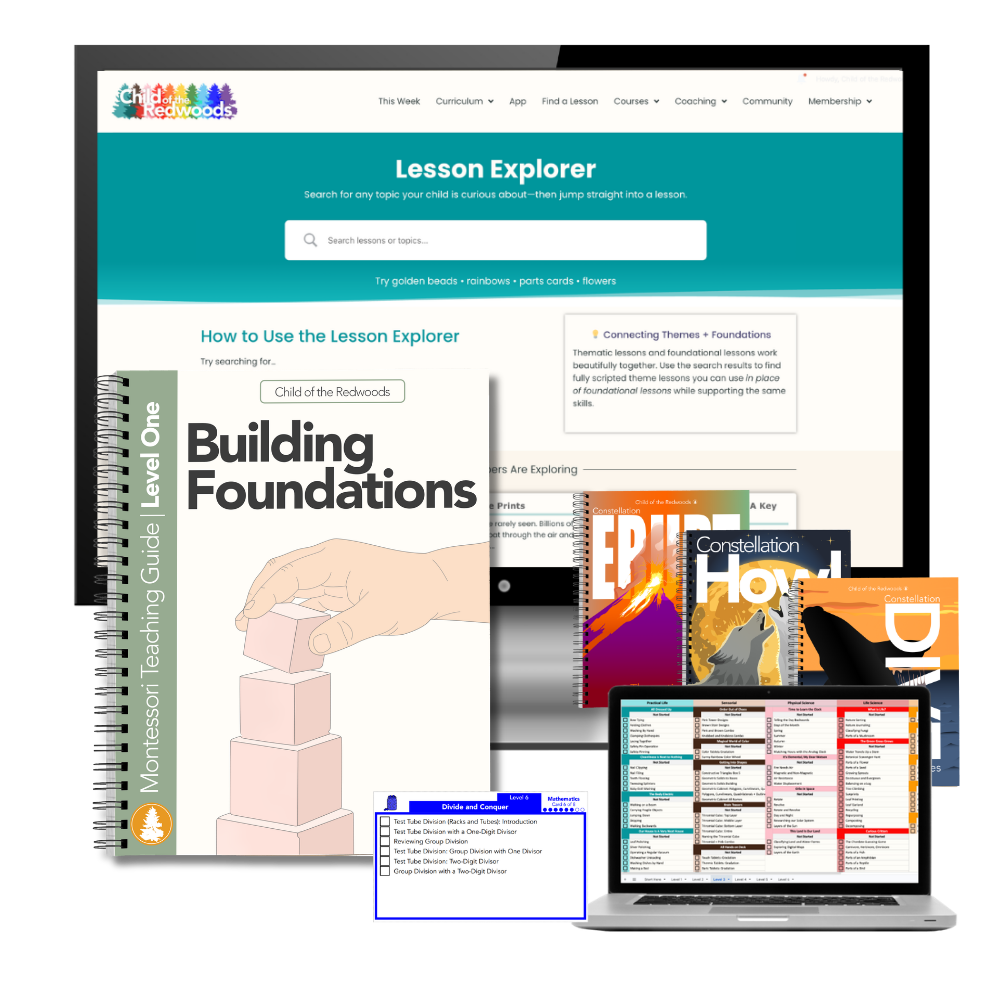
Explore More Curriculum Features
Every part of the Child of the Redwoods curriculum is designed to work together. Explore the tools that make planning, teaching, and tracking your homeschool feel simpler every day.
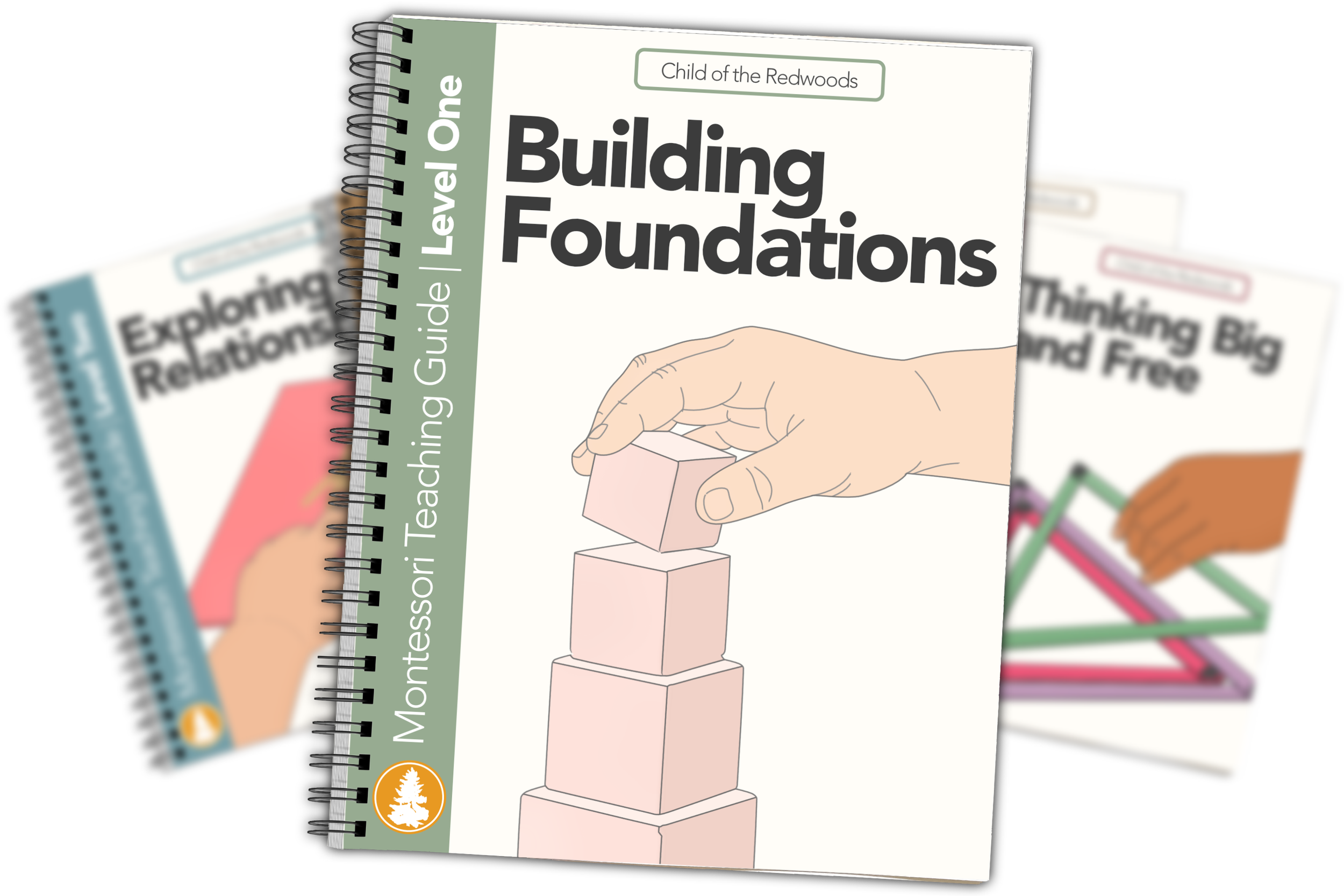
Parents often tell us that the Lesson Explorer changes the way homeschooling feels.
Instead of wondering what comes next, you know where to look.
Instead of spending your evenings searching through papers, you spend them enjoying your family.
Instead of trying to remember every lesson presentation for every single material, you can trust that it's waiting for you whenever you need it.
That's the kind of support that makes homeschooling feel lighter.
Why Families Love the Lesson Explorer
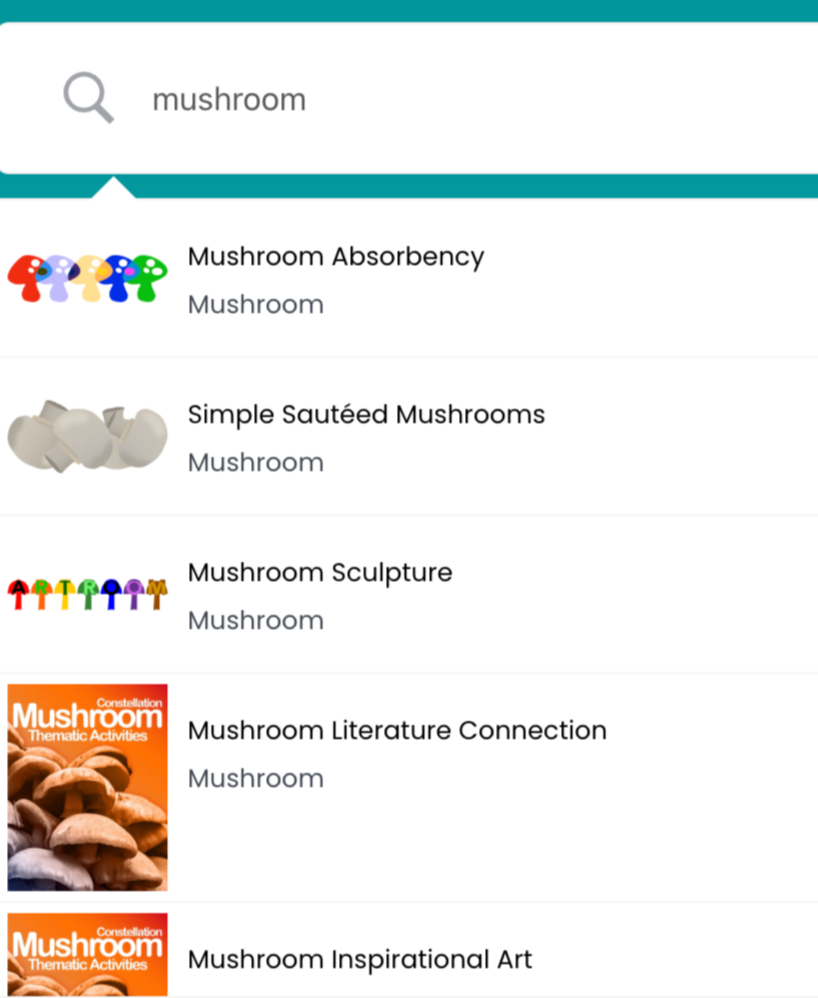
“We were at the park last week and my son found a little mushroom near a tree! We took a picture of it, and then when we got home we searched for mushrooms in the Lesson Explorer and found a lot of fun activities we could do that very afternoon. It was so great to be able to follow my child right in the moment.”
Read more stories from Child of the Redwoods families.
Frequently Asked Questions
-
The Lesson Explorer includes more than 3,000 Montessori lessons across all curriculum levels and subject areas.
-
Yes. Theme Pack lessons appear alongside the rest of your curriculum, making it easy to connect interests with your child's developmental work.
-
Yes. The Lesson Explorer works on your computer, tablet, and phone, so your curriculum is always with you.
-
Absolutely. Search by material, lesson title, topic, or keyword to quickly find what you're looking for.
-
Not at all. Some families use it daily, while others use it whenever they want to explore new lessons or quickly find a presentation.
Ready to See It for Yourself?
Imagine opening your curriculum and finding exactly what you need in seconds.
That's what the Lesson Explorer was designed to do.
Start your free trial today and experience how much easier homeschooling feels when every lesson is organized, searchable, and always within reach.
Not sure if Child of the Redwoods is the right fit for your family? Learn How It Works, or explore our Plans before starting your free trial.