

Lesson Planning and Tracking Tools
Keep track of lessons given and see the big picture.
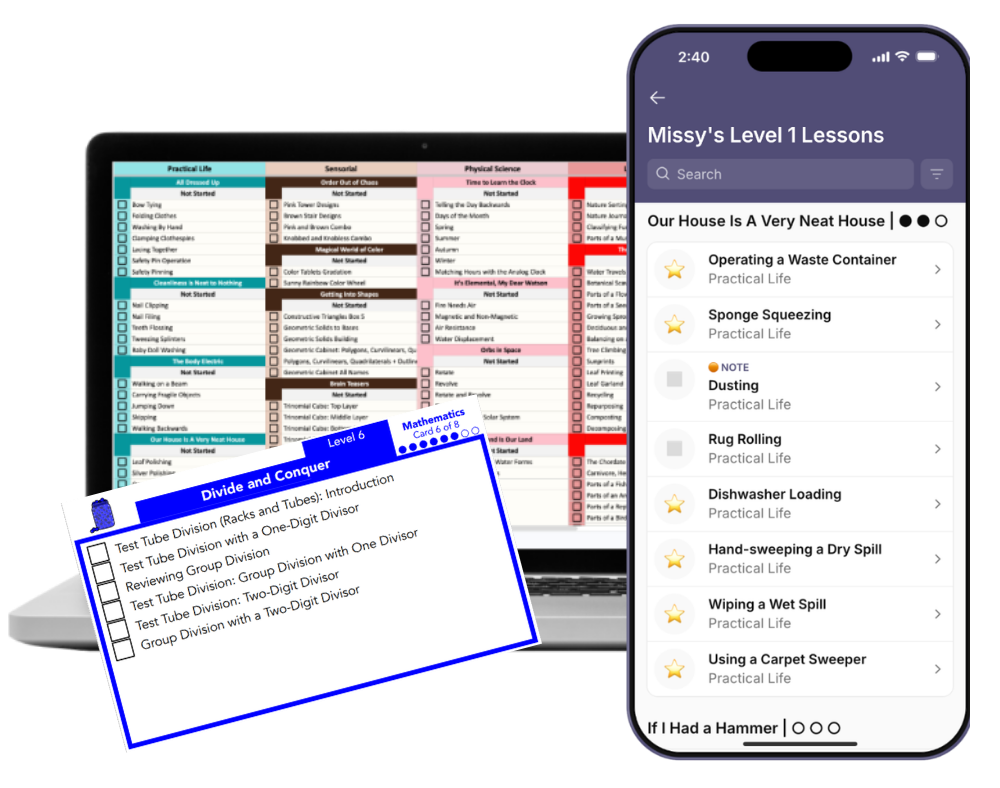
Child of the Redwoods offers multiple planning and tracking tools designed to work together. You'll always know where you've been, what's coming next, and how every lesson fits into the bigger picture.
Tools that help Montessori feel calm, organized, and manageable.
Your Montessori Planning System
Montessori is beautifully connected, but with hundreds of lessons across six levels, it's natural to wonder...
How will I plan out our week of lessons?
How will I keep track of everything?
We've thought about that, too.
When you’re trying to manage a household and teach your child at the same time, it’s essential to feel organized.
Our planning and tracking tools will help you understanding the big picture: the complete scope and sequence of the Child of the Redwoods foundational Montessori curriculum, from Levels 1-6.
You’ll see where every lesson fits in context - both in terms of skill level and subject area.
We also have easy planning tools build right inside our themes to give you a nice weekly flow through the lessons.
Every homeschool parent mananages their resources and navigates the curriculum a little differently, and that’s why we offer several tools for you to enjoy at home. Some enjoy digital spreadsheets.
Others enjoy paper to-do task lists.
Maybe you like the idea of the convenience of an app — and maybe you like the convenience of a little note on your refrigerator!
We love all of them and wnat you to find what works for your family’s rhythm.
After getting familiar with all of them, you will discover the one or two you like working with the best: the one that suits your personal style of planning and tracking your child’s foundational lessons.
Let’s walk through the tools that will transform your homechooling experience and clear all that mental clutter, leaving space for you to enjoy teaching your child.

Getting Organized for Homeschooling
Every family plans a little differently.
That's why Unlimited includes several ways to organize your homeschool, so you can choose the system that feels most natural for you.
Child of the Redwoods App
Your planner, lesson tracker, and observation journal. All in one place.
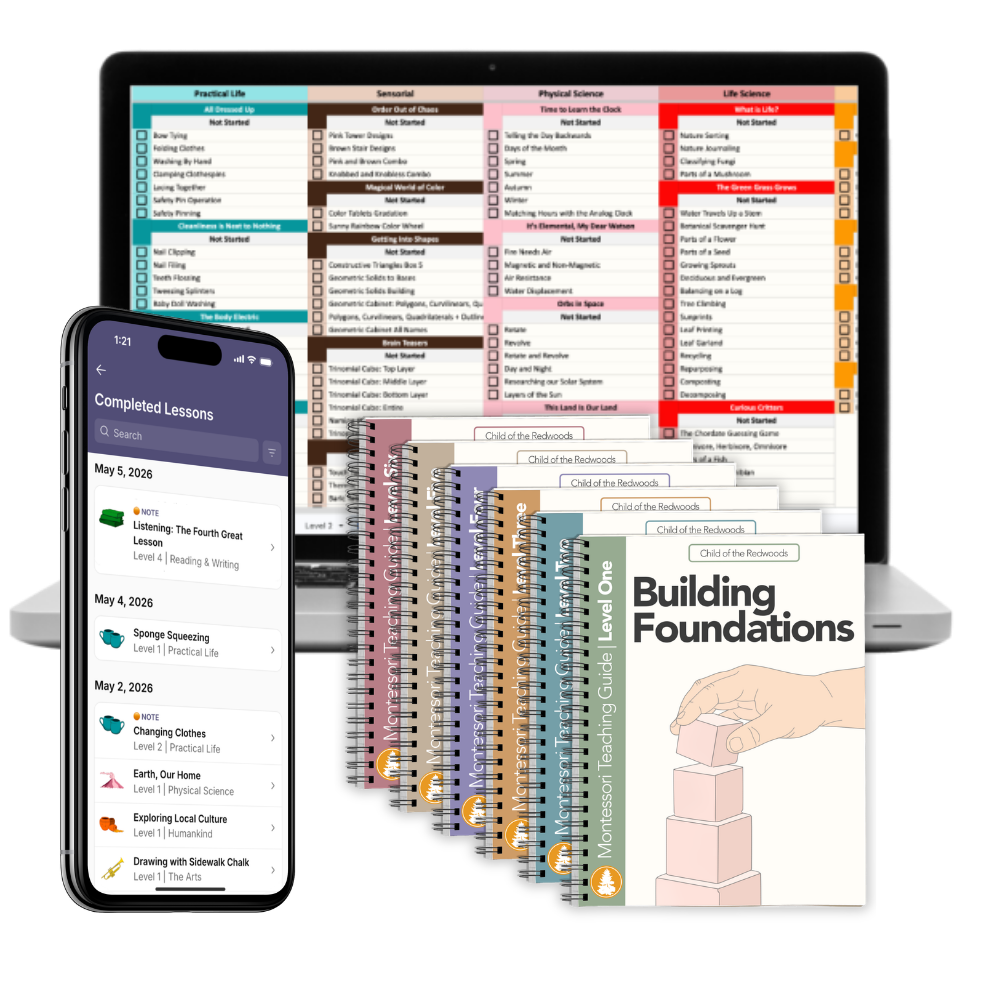
The app makes it easy to plan your foundational lessons for the week, keep track of what you've presented, and record observations about your child as they grow.
You'll be able to:
Choose up to four Focus Lessons each week.
Receive lesson recommendations based on your child's level.
View step by step directions linked to the Lesson Explorer
Queue up lessons for later.
Mark lessons complete.
Record notes and observations.
See your child's progress through each level.
Review your list of completed lessons & notes anytime.
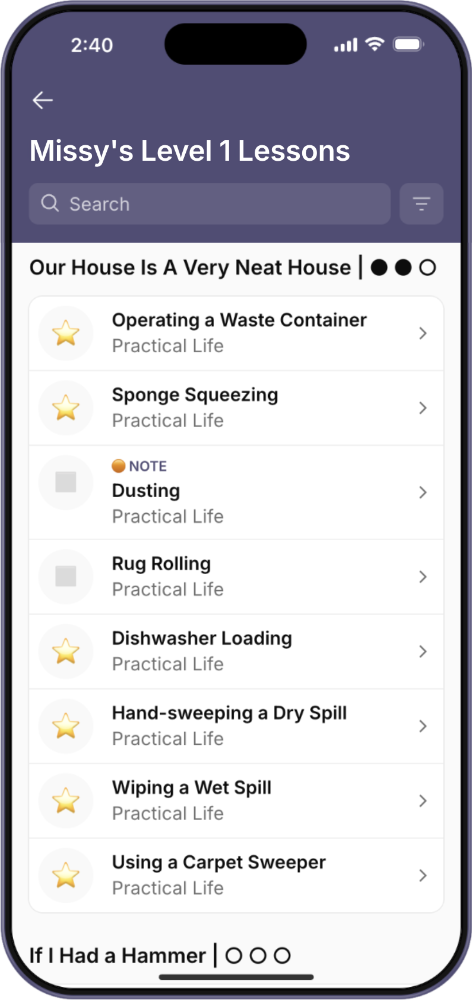
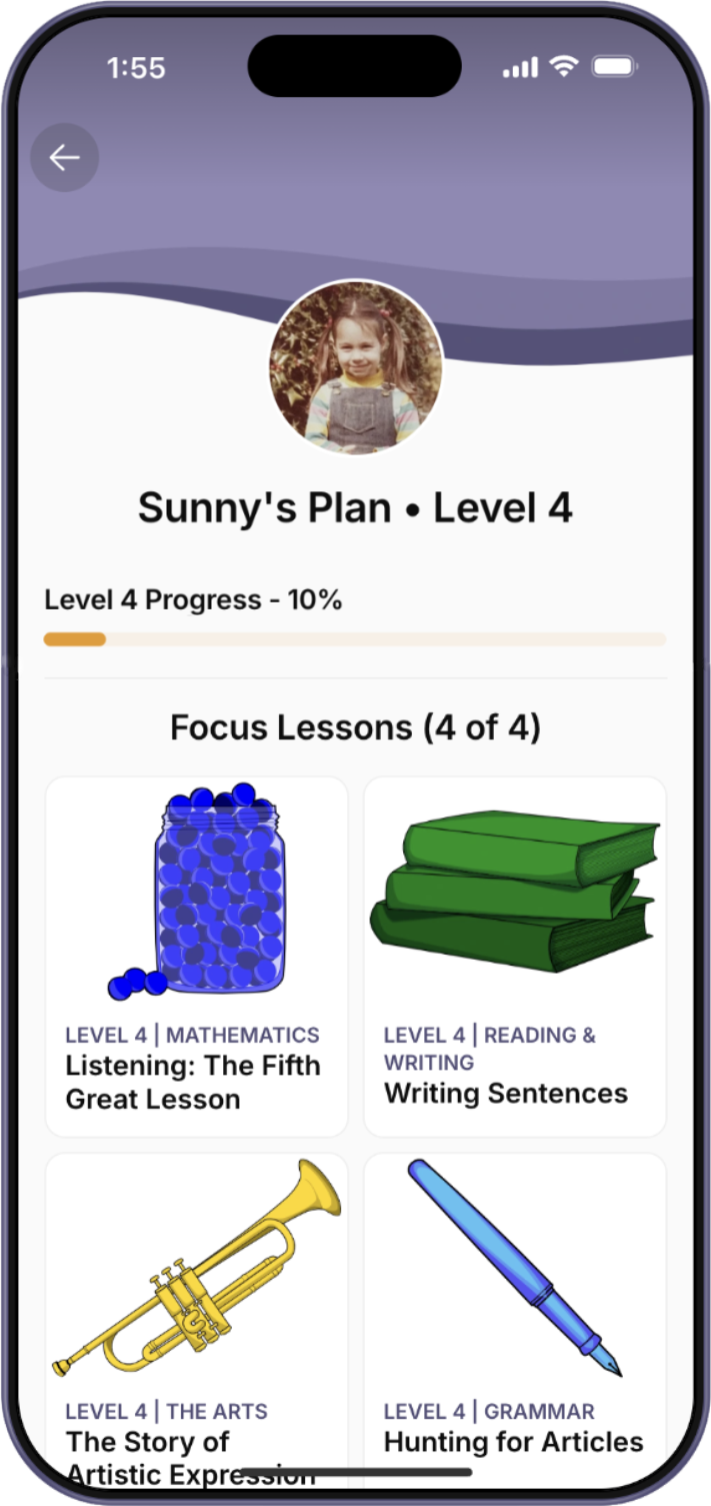
Your Montessori plan is always with you. We invite you to learn more about the Child of the Redwoods app.
And if you’re extra curious, you can also get instant access to a full demo!
Interactive Scope and Sequence
A birds-eye view of the whole curriculum, level by level, subject by subject.
Sometimes you don't want to think about this week's lessons.
You want to understand where your child is headed.
The Interactive Scope & Sequence gives you a bird's eye view of every foundational lesson within each level. Explore the curriculum by subject, look ahead to upcoming concepts, and see how lessons progress in the Montessori sequence.
It brings clarity to Montessori's beautifully connected progression and is an excellent form of documentation for your journey.
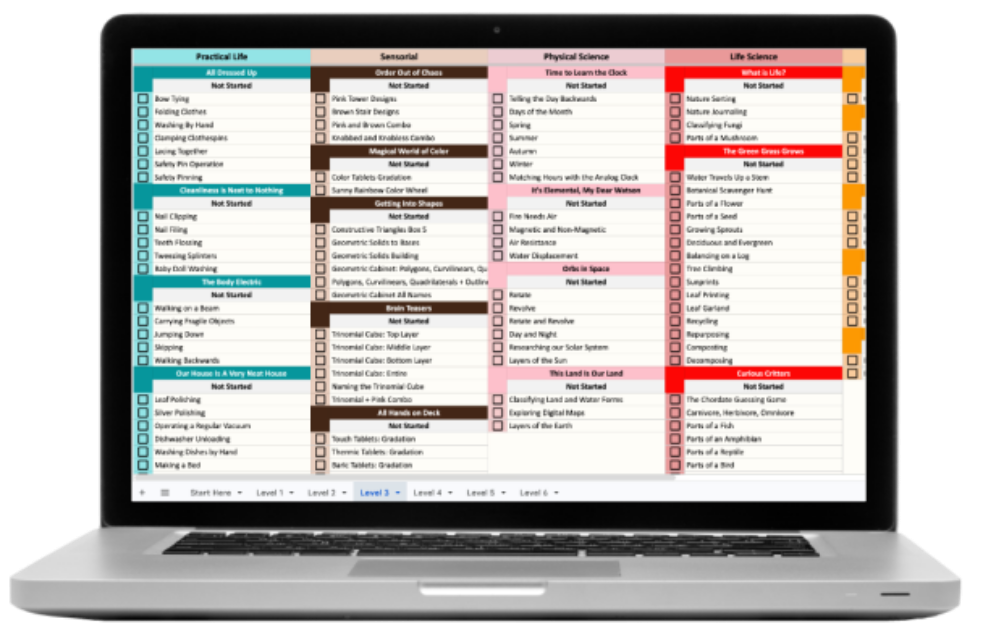
A spreadsheet is not an unusual resource for Montessori guides, but one of the lovely things about this particular spreadsheet of lessons is that every lesson listed here is hyperlinked right to the Lesson Explorer in our member’s area, making finding the step-by-step directions to each lesson extra convenient.
Just click on any lesson, and you’ll go right there.
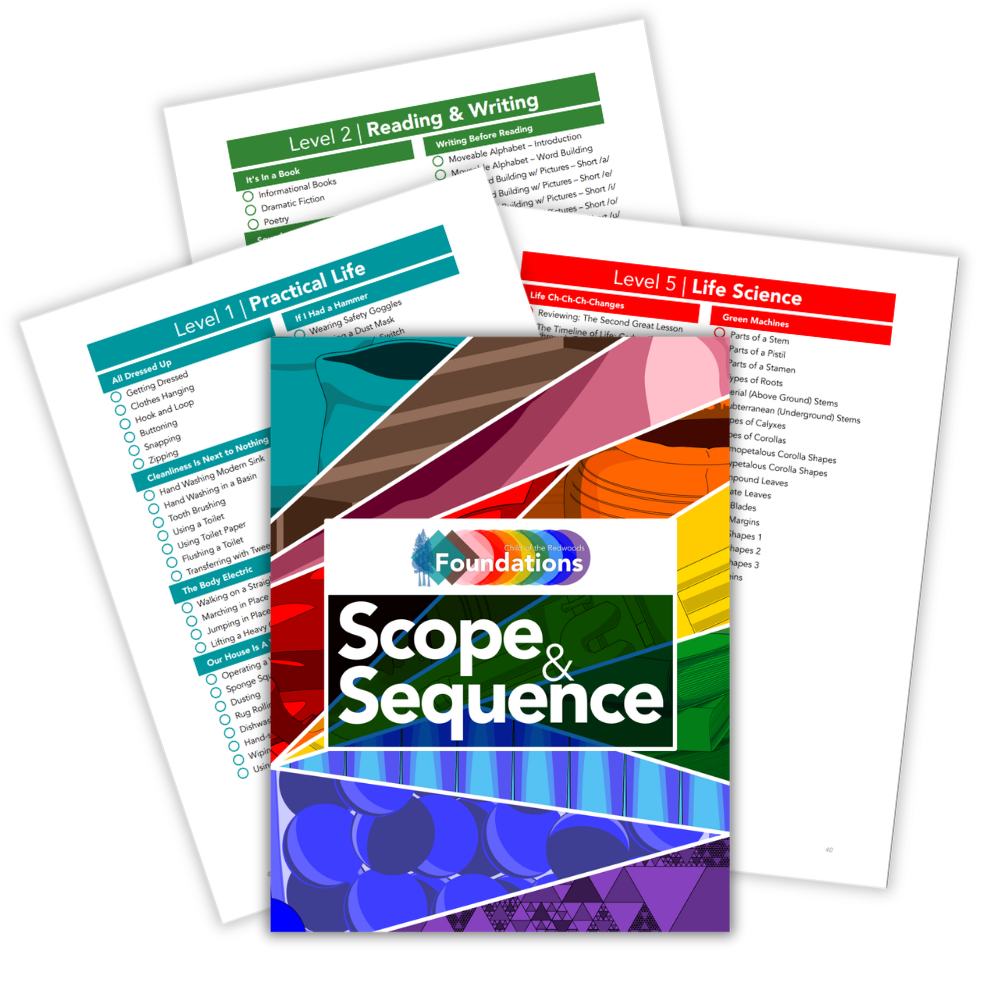
Printable Scope and Sequence
Keep a paper copy close by.
Prefer a printed checklist?
Every level includes a printable Scope & Sequence that you can keep in a binder, on a clipboard, or hanging in your homeschool space.
It's an easy way to glance at your child's progress, make notes, or plan ahead without opening a device. It’s also an easy way to keep physical records for your homeschool portfolio.
Montessori Planning Cards
Plan your week with your hands.
Many families love planning away from a screen.
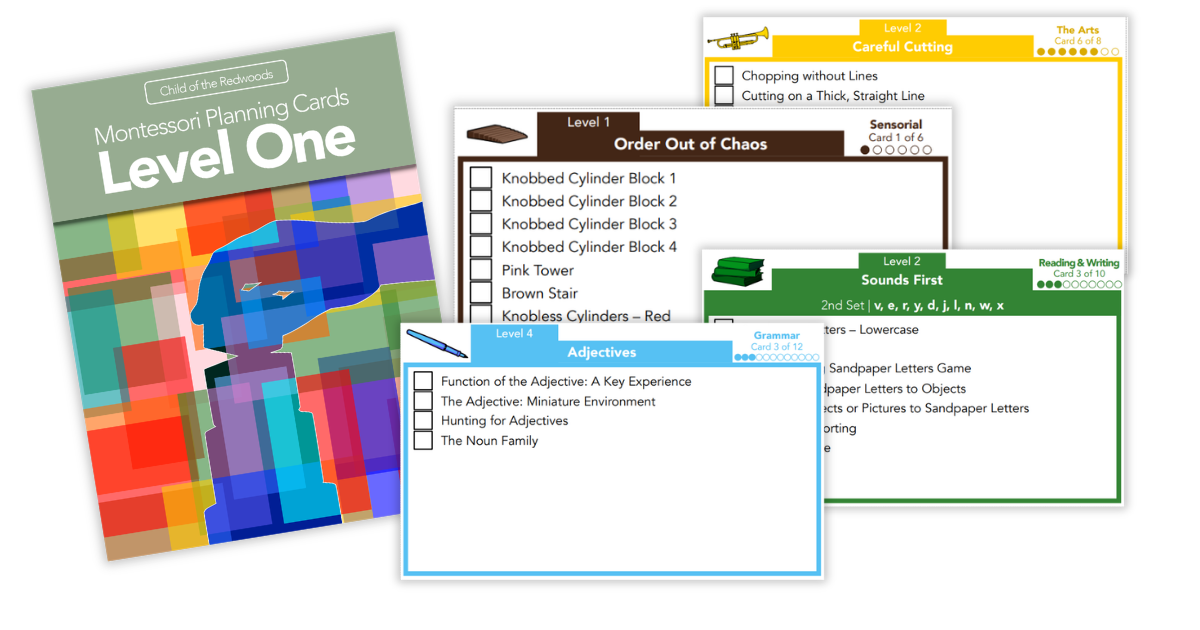
Our Montessori Planning Cards let you spread your week's lessons across the table, rearrange activities as your child's interests change, and create a flexible rhythm for your homeschool.
They're especially helpful if you enjoy visual planning or teach multiple children. Our families often put their planning cards in an index card box on the shelf. When they’re ready to plan their week, they choose four cards from different subject areas to focus on.
We’ve noticed that families often enjoy pinning their planning cards for the week to a central space where they won’t forget what they’re working on, like their fridge with a magnet or a bulletin board.
If your children are elementary age, this is a great way to get them involved in choosing their own lessons and checking off what they feel confident with as well.
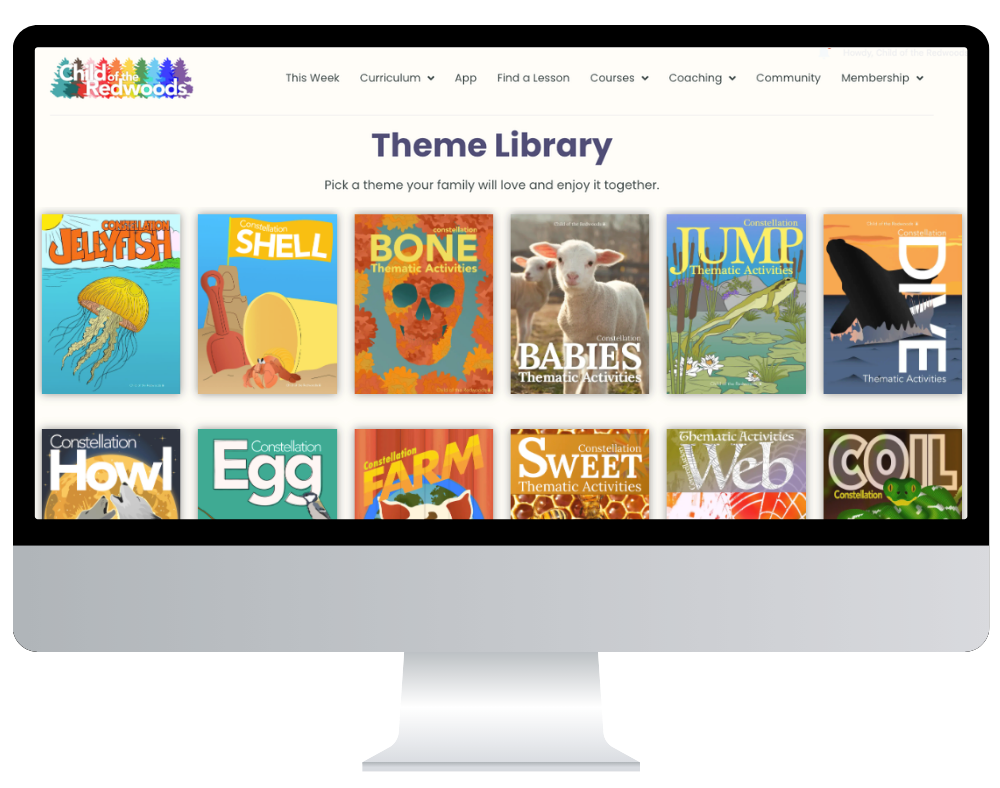
Weekly Planning Cards for Every Theme
Pace your activites throughout the month.
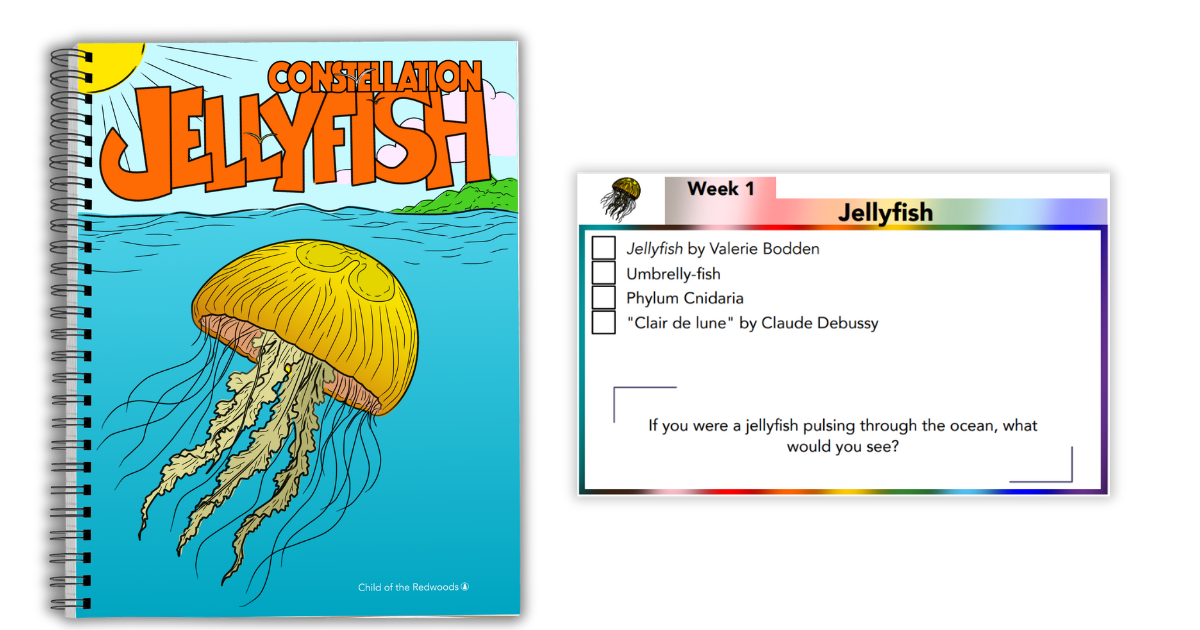
Each Theme Pack includes a set of Weekly Planning Cards that helps you see the whole week at a glance without turning your homeschool into a rigid schedule.
The cards organize the theme’s lessons into a simple, approachable plan, so you can quickly see what you might explore across the month. You can follow the suggested rhythm, move lessons around, skip what does not fit, or repeat a favorite activity. Nothing is locked in.
They are especially helpful when you are teaching more than one child because you can enjoy the activities that work for each age while still exploring the same theme together.
Instead of opening a big packet and wondering where to begin, you can pull out the week’s cards, gather what you need, and start.
The goal is not to complete every card.
We want you to have a gentle structure and feel prepared, so you can enjoy the theme with your child.
The order of the lessons provided is also very much intentional: Aubrey organizes all of the lessons personally for you in the sequence she would recommend giving them, generally from the more concrete experiences to the more abstract and complex.
Montessori Is Not a Checklist, But Planning and Record-keeping Tools Are Essential for Teachers
One of the biggest misconceptions about Montessori is that children are supposed to "master" every lesson before moving on to the next. This fits into the traditional model of education, where every lesson must have a clear objective and an entire week must be fully planned well beforehand.
That's not how Montessori works.
Children naturally revisit ideas over time, making deeper connections with each experience. A lesson isn't something you check off and leave behind forever. It's one moment in your child's ongoing journey of discovery.
The planning tools inside Child of the Redwoods aren't designed to rush your child through the curriculum or turn Montessori into a race.
They're designed to help you.
They help you see the entire curriculum of multiple subject areas as a complete whole, present lessons in a thoughtful sequence, and make sure your child has opportunities to build one concept upon another.
They also make it easy to remember where you've been, notice patterns in your child's interests, and avoid accidentally skipping important foundational lessons.
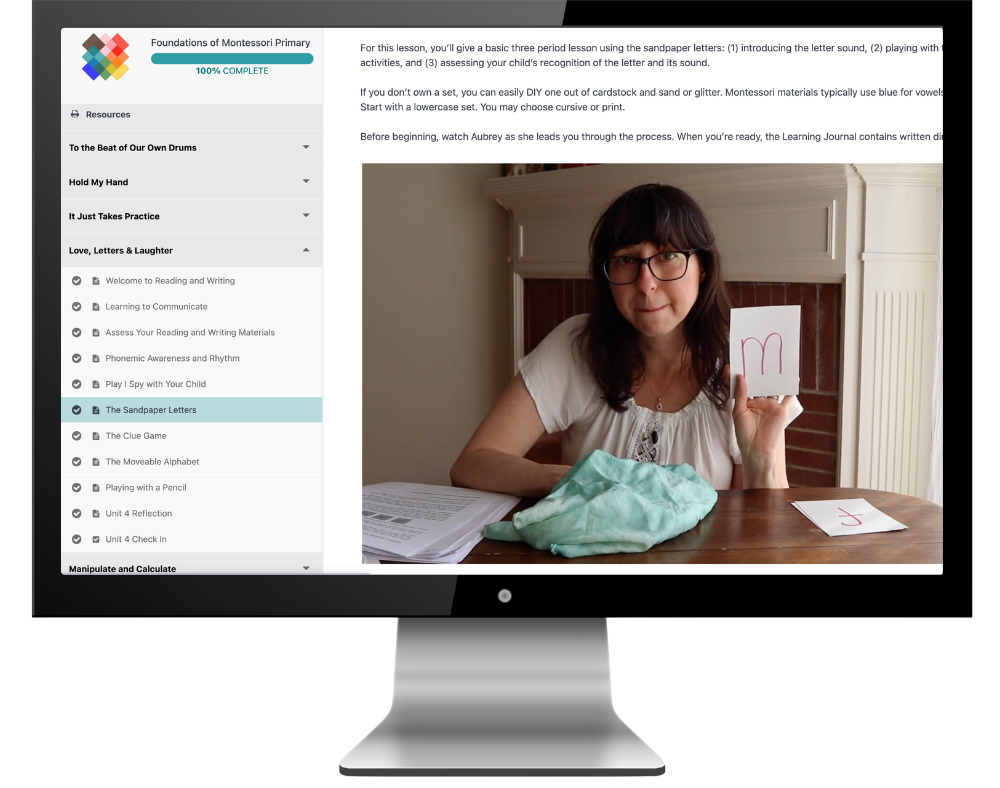
As you work through the Foundations of Montessori courses, you'll learn the techniques we use in the Montessori method. You'll discover how to observe your child, recognize readiness, revisit lessons when needed, and trust the learning process.
The planning tools give you an organized way to put those principles into practice.
Together, they help you teach Montessori with both confidence and flexibility.
Works Together With the Rest of Your Membership
Explore More Curriculum Features
Every part of the Child of the Redwoods curriculum is designed to work together. Explore the tools that make planning, teaching, and tracking your homeschool feel simpler every day.
Why Families Love our Planning and Tracking Tools
One of the biggest challenges of homeschooling is simply keeping everything organized.
Parents tell us our planning tools help them stop worrying about what comes next and start enjoying the learning that's happening right in front of them.
Instead of feeling overwhelmed by the full scope of the curriculum, they can focus on just the next few lessons while still knowing they're moving through Montessori thoughtfully and comprehensively.
Families love having a clear path forward through the curriculum, an easy way to capture observations, and the confidence that they're building a strong foundation without missing important steps.
“It makes the Montessori scope seem much more manageable. Checking things off makes it feel less daunting, even if you end up revisiting a lesson later. The best part is the ease of documenting and reflecting.”
Read more stories from Child of the Redwoods families.
Frequently Asked Questions
-
You bet we will! We host Office Hours and coaching sessions for our members every month. You’ll have lots of opportunities to ask questions and get help right where you need it.
-
The app helps you plan, track completed lessons, and record observations in real time. If you’d like to see this in action, you can watch a free, on demand demo of the app.
The Interactive Scope & Sequence gives you a bird's eye view of the curriculum so you can see how lessons are organized across each level. In our opinion, both have their place and are useful for families.
You might use the app day to day, then at the end of the week see what you accomplished and make note of that on the spreadsheet for longer-term record-keeping. -
Every level includes a printable version that you can keep in a binder or your homeschool space.
-
Yes. Many homeschooling families use the planning tools while teaching children at different levels.
They make it easy to keep track of each child's progress while maintaining a connected Montessori homeschool.
In the app, you can even have a profile for each child.
Ready to get organized?
You don't have to wonder what comes next or worry about forgetting an important lesson.
Whether you're planning digitally, arranging cards on the table, or checking your printable Scope & Sequence, you'll always have a clear path forward.
That's one less thing to carry, and one more reason Montessori can feel peaceful instead of overwhelming.